
Recent

Implementing Azure Container Registry Retention with Brigade
·1332 words·7 mins
If you are doing any work related to containers and Azure, you are most likely using Azure Container Registry for storing images. The amoun of storage available for these images depends on the pricing tier you are using.
If you exceed this amount of storage, you will pay an additional fee for every GB of image data that exceeds the limit. See the table below for the current pricing details.
Azure Container Registry pricing details
Debugging Dapr applications with Visual Studio Code
·865 words·5 mins
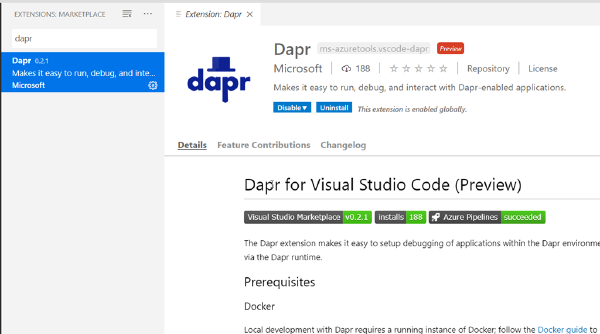
I’ve been playing around with the Dapr project recently, which is an interesting approach to building distributed, “microservices” applications. Tha main idea with Dapr is to make it easier for developers to implement distributed application running either in the cloud or on “the edge” (e.g. anywhere else), by implementing a lot of the cross-cutting concerns that is a part of every distributed app. Dapr consists of a number of building blocks, such as Service Invocation, State Service, Pub/Sub messaging and distributed tracing.
How Visual Studio 2019 supports containerized applications
·1194 words·6 mins
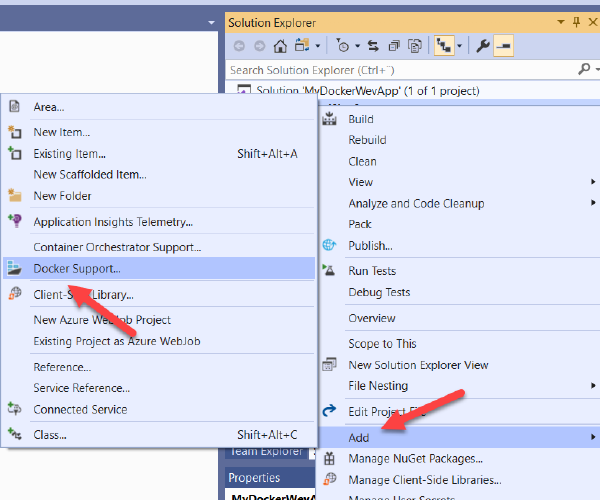
Visual Studio has for quite some time been adding features to make it easier to create, build, run and debug Dockerized applications. This is great, because Docker can be quite daunting when you intially approach it and anything that makes that journey easier should be encouraged.
However, with this tooling support comes some magic that is performed behind the scene when you hit F5 in Visual Studio. I have on numerous different occasions explained to developers what actually happens when you build and debug a Dockerized application in Visual Studio. With this post, I can send them here instead the next time 🙂
Event-driven scripting in Kubernetes with Brigade
·1588 words·8 mins
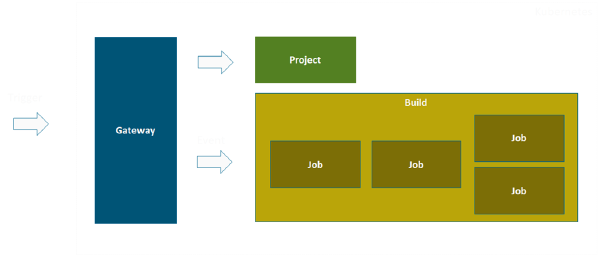
In most projects that I’ve been part of, sooner or later the need for various types of automation jobs arises. For example cleaning up old files, moving database backups, running health checks or system tests and so on.
Historically we’ve implemented these tasks using for example the Windows task scheduler, or through some custom Windows Service app. More recently, we’ve been using Azure Automation jobs for this. Sometimes it can also make sense to use CI/CD automation tools like Azure DevOps for these jobs.
My Speaking Year 2019
·1945 words·10 mins
When I set out my goals for 2019, one of them was to speak at new conferences. Up until 2018, I had only spoken at conferences in Sweden (like DevSum, TechDays and SweTugg). While these conferences are great, I felt that I wanted to raise the bar a bit and try to visit other conferences, including conferences abroad. And as it turned out, I reached my goal!
I thought that it would be nice to sum up my speaking year in a blog post, with some comments about each comference and a picture or two.
Getting started with Windows Containers in Azure Kubernetes Service
·1319 words·7 mins
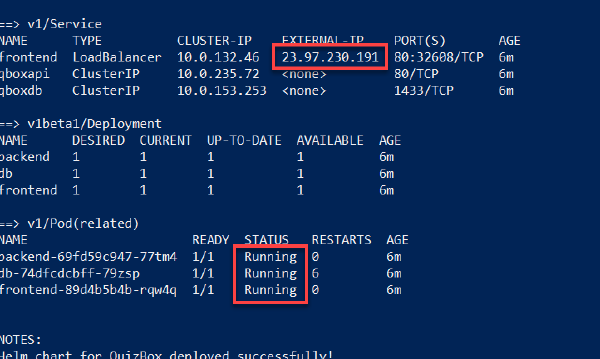
Many of us have eagerly been waiting for the announcement that Microsoft made at the Build 2019 conference, Windows Containers is now in public preview in Azure Kubernetes Service! Yes, it’s in preview so we still have to wait before putting applications into production but it is definitely time to start planning and testing migrations of your Windows applications to AKS, such as full .NET Framework apps.
Containers on Windows are still not as mature as on Linux of course, but they are fully supported on Windows and it is now GA on Kubernetes since version 1.14.
Running Windows Container Build Agents for Azure Pipelines
·1355 words·7 mins
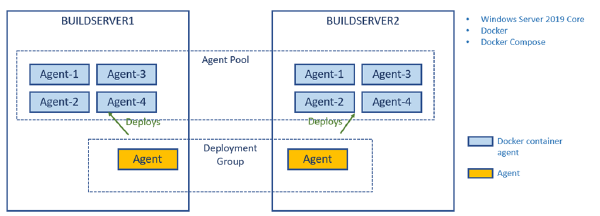
In a previous post I talked about how to create a build environment, including an Azure DevOps build agent, using Docker and Windows Containers. Using Dockerfiles, we can specify everything that we need in order to build and test our projects. Docker gives us Infrastructure as Code (no more snowflake build servers) and isolation which makes it easy to spin up multiple agents quickly on one or more machines without interfering with each other.
Accessing Azure Artifacts feed in a Docker build
·761 words·4 mins
I’ve recently given talks at conferences and user groups on the topic of using Docker as a build engine, describing the builds using a Dockerfile. This has several advantages, such as fully consistent build no matter where you run it, no dependencies necessary except Docker.
Some things become a bit tricker though, I’ve blogged previously about how to run unit tests in a Docker build, including getting the test results out of the build container afterwards.
Creating a Windows Container Build Agent for Azure Pipelines
·1111 words·6 mins
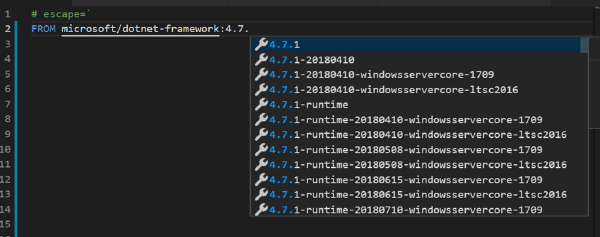
Having automated builds that are stable and predictable is so important in order to succeed with CI/CD. One important practice to enable this is to have a fully scriptable build environment that lets you deploy multiple, identical, build envionment hosts. This can be done by using image tooling such as Packer from HahsiCorp. Another option is to use Docker which is what I am using in this post.
Using Docker will will crete a Dockerfile that specifies the content of the image in which builds will run. This image should contain the SDK’s and tooling necessary to build and test your projects. It will also contain the build agent for your favourite CI server that will let you spin up a new agent in seconds using the docker image.
Deploy Azure Web App for Containers with ARM and Azure DevOps
·925 words·5 mins
Using Docker containers for building and running your applications has many advantages such as consistent builds, build-once run anywhere and easy standardized packaging and deployment format, just to name a few.
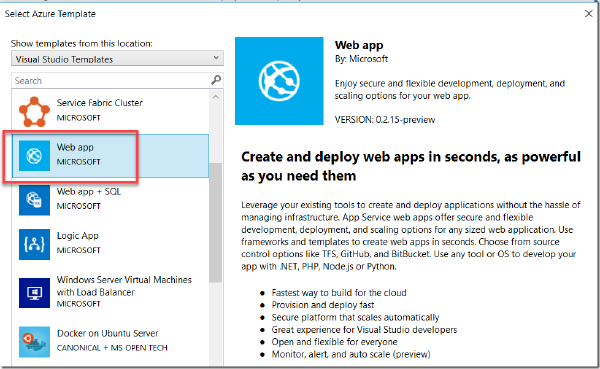
When it comes to running the containers you might look into container orchestrators such as Kubernetes or Docker Swarm. Sometimes though, these orchestrators can be overkill for your applications. If you are developing web applications that have only a few dependent runtime components, another options is to use Azure Web App for Containers, which is a mouthful for saying that you can use your beloved Azure Web Apps with all the functionality that comes with it (easy scaling, SSL support etc), but deploy your code in a container. Best of both worlds, perhaps?